
YouTube Video Downloader by Keen Converters
Download publicly available YouTube videos in high quality for offline viewing, learning, and personal reference. Keen Converters offers a simple browser-based YouTube video downloader built for users who want quick access to videos they own or have permission to use.
Processing your video...
Download Options:
Responsible Use And Copyright Awareness: Downloading videos may be restricted by platform policies or copyright laws. Keen Converters encourages responsible use and respects the rights of content creators. Always ensure you have permission before saving or reusing any media.
Why Choose Keen Converters YouTube Downloader?
Keen Converters is a popular YouTube video downloader that lets you save YouTube videos for free. No extra apps are needed—just use your browser and paste a valid video link into our YouTube downloader to quickly convert and download videos in MP4 format.
High quality video output
Fast and simple processing
Privacy focused design
No more complexity in post-editing and publishing
Completely free. save as many YouTube videos as you please.
No signup. Just open our site and input a link there.
YouTube video downloader HD online
Save YouTube video also in mp3.
YouTube Downloader works on all browser and operating system.
Supported Formats and Compatibility: The YouTube downloader supports commonly used video and audio formats to ensure compatibility across modern devices. Output options are provided for convenience, quality, and smooth playback.
Download YouTube videos on your mobile phone
To download a YouTube video on Android or iPhone, first open the YouTube and find the video you want to download. On the video page, tap the Share button (the arrow icon) and select Copy Link.
Next, open Keen Converters YouTube Downloader in your browser and paste the copied link into the input field at the top of the page.
Click the Download button to save the video in MP4 format directly to your device. The video is saved quickly and in high quality, ready for offline viewing.
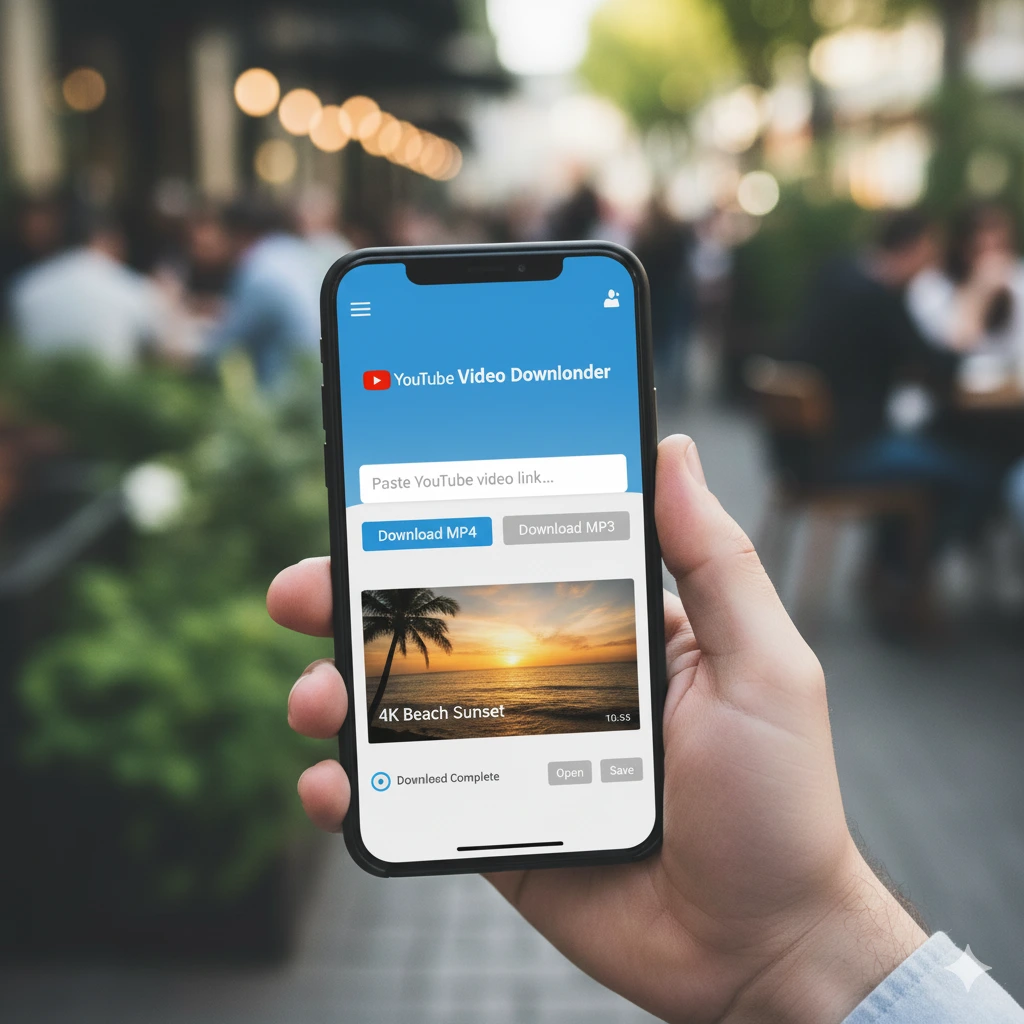
YouTube Video Downloader For your PC
To download a YouTube video on a PC or laptop (Windows, macOS, or Linux), first copy the video link from the YouTube website.
Next, open Keen Converters YouTube Video Downloader in your browser and paste the copied link into the input field on the main page.
Click the Download button, and the video will be saved in MP4 format. No additional apps or software are required, and the process works smoothly across all major operating systems.
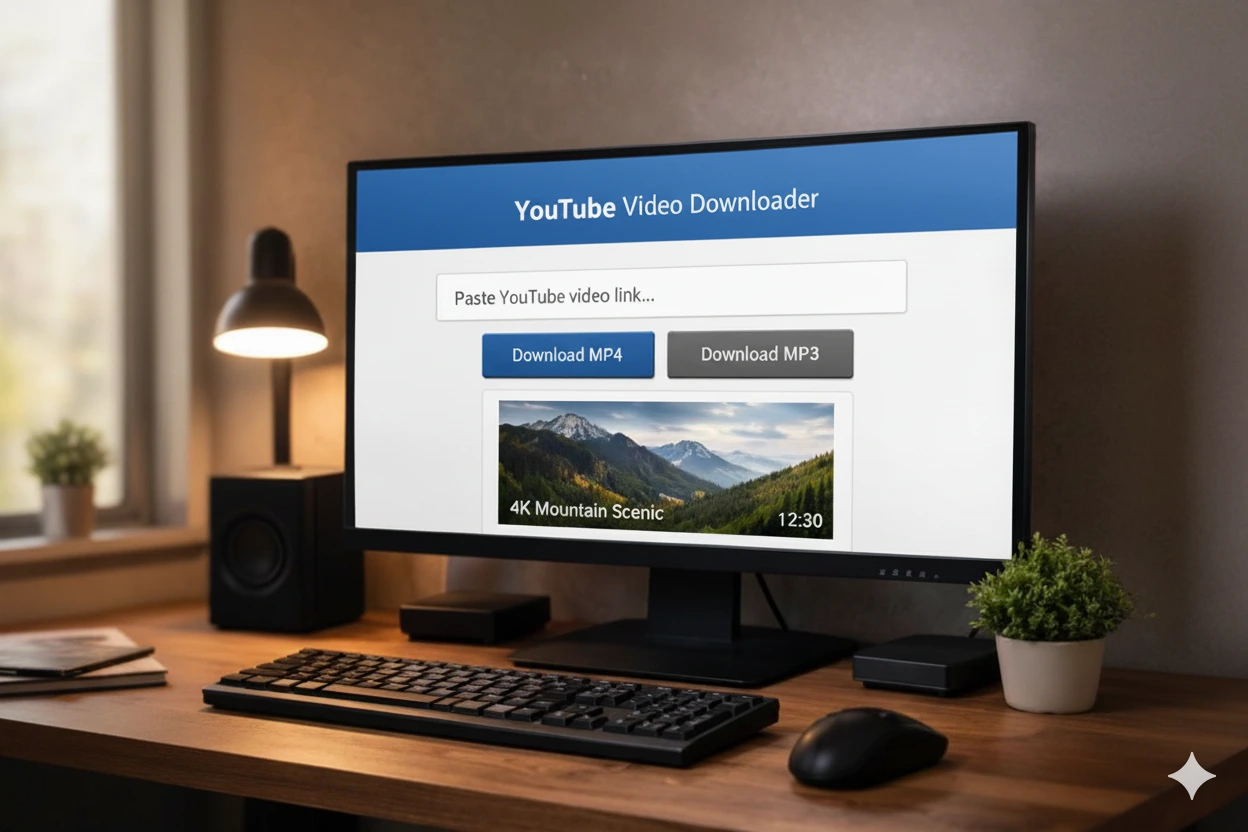
We would like to introduce you to Keen Converters Youtube Video Downloader, the best option for downloading fun videos from Youtube in a fast and easy way. When it comes to short videos on Youtube, many users instinctively want to save content they find interesting to view later. Keen Converters lets users save as many videos as they want.
That isn’t all. Keen Converters also allows you to download videos in different quality settings, to do so quickly, easily, and completely free. Simply copy and paste the URL of the video you’re interested in into the provided field and the video will, within seconds, be saved on your device.
With Keen Converters as your downloader for Youtube videos you can build a collection of all the best content on Youtube freely.
Why Use Keen Converters to Download Your Favorite Youtube Videos?
With Keen Converters, it’s easy to download your favorite Youtube videos. Other options can be complicated and often leave a watermark on your videos, which Keen Converters does not. So, you might be wondering why Keen Converters is the best solution for anyone looking for Youtube videos? Let us elaborate in the next paragraphs.
1. Clean, Watermark-Free Downloads
A lot of people are looking to download their favorite Youtube videos without a watermark nowadays. This is why Keen Converters Youtube Video Downloader is a great option. Keen Converters removes the ugly Youtube logo from downloaded videos, so they look cleaner. The best part is it allows you to have a high-quality, watermark-free download.
This means you can use the video freely for all options, such as re-uploading it to Instagram Reels or YouTube Shorts, without the need to edit out the watermark. Plus, it’s not difficult to use, even for a beginner. Simply copy your video URL, and the video is downloaded to your device.
2. No Cost
One other aspect of Keen Converters being one of the premier youtube video downloader to download Youtube videos, and videos from other social media is it offers everything free. Keen Converters allows users to access Youtube content without annoying logos, but in original quality. The downloading process is very simple and uncomplicated, allowing a quick save on any videos you want in the gallery.
There are no unrealistic offers or unknown charges; it’s completely free to allow users any access to content without limits. Choosing Keen Converters demonstrates the premise that good technology and easy access can be achieved without a pile of cash. So, choose Keen Converters Youtube Video Downloader as your first place to download, as quality and usability do not have be expensive.
3. Variable Video Quality
We highly recommend using Keen Converters to download Youtube videos, given the ease and simplicity of the tool. Video quality on Youtube isn’t always very high, with many very low-resolution copies of the original Youtube. Using Keen Converters gives you the opportunity to download the best possible version, also removing watermarks that can ruin the aimed video appearance.
The ease of using the tool is important. You won’t find any tool faster and it doesn’t require registration or the installation of more apps, especially troublesome ones. You will have the video you want to download in seconds with your web browser, and not just some low-resolution sample. Keen Converters Youtube Video Downloader is most definitely the most efficient option to save high quality Youtube content!
4. Saving Video Has Never Been Simpler Or Quicker
Keen Converters saves your favorite Youtube videos much easier and much quicker than ever before. Throw away those cumbersome old methods, because Keen Converters provides a hassle-free way to save Youtube videos without third-party applications that could bog down your device. Simply grab the video link from Youtube, copy and paste it into the Keen Converters website, and outcome your highest quality video without any watermark.
This process is simple and usually takes no more than a few seconds. This is the best way for anyone to save their favorite Youtube content, allowing them to watch it any time without a hassle. Keen Converters Youtube Video Downloader is one of the best tool available because of its ease of use.
5. Compatible With A Variety Of Devices
Another consideration for recommending Keen Converters to download your selected content is that it gives a convenient way to save Youtube videos, without the worry about which type of device you are using. The biggest benefit of Keen Converters is that it is very compatible. It is compatible with Android, iOS, and PC. The best part is that the tool can be accessed directly through a browser with no installation required.
The best part, though, is how easy and fast the download process is for anyone to use. Within seconds, the video is saved to your device, in the best quality and option to save as mp4, and most importantly, it does not have the watermark. Now, you can watch the video again whenever you want and share it with other platforms with ease. Therefore, Keen Converters Youtube Video Downloader offers a solution to users’ needs for convenience and flexibility.
6. No Need To Log In To Youtube Account
For users who do not or have not registered for a Youtube account, it can be very difficult to download videos on the app. However, this is not a major problem because Keen Converters Youtube Video Downloader provides a very straightforward solution without the need to log in. This service allows anyone to download high-definition videos and music from Youtube, just by using the link.
Its key benefit is the availability to everybody and the ease of use, making it a great fit for users devoted to speed and simplicity. Additionally, you do not have to concern yourself with digital fingerprints or your personal information being compromised, since everything is anonymous and secure when you do the download.
7. Compatible With Many Browsers
Some video downloading tools and apps only work best on certain browsers, but Keen Converters Youtube Video Downloader has emerged as a viable solution for downloading Youtube Videos without being restricted by browser choice, making it versatile because it’s works on Chrome, Firefox, Safari, Edge and other popular browsers.
This means all users can easily download their favorite Youtube videos, no matter which browser they are using. You will never have to locate another browser or download a permanent app that takes more space on your phone and may put your privacy at risk. The steps are easy! Go to the site, paste the link and you will quickly have your video ready to download.
8. Compatible With All Mobile Operating Systems
Keen Converters Youtube Video Downloader is a very handy and useful way to download your Youtube videos. Another plus with Keen Converters is it is compatible across platforms, so you can gain full access on all mobile operating systems, without having to install an application. Whether you have an iPhone, Samsung, or Google Pixel you will have the same user experience. This makes it so much easier and avoids any technical bumps.
You shouldn’t have to seek out a specific application for iOS or android, just use the native browser on your phone. The process could not be easier: copy the video link, paste in the Keen Converters website and download. This way requires less storage on your device, by removing the need to or downloading external applications, is ideal because your data stays securely with you and not with a third party. This was a smart way of building up your Youtube videos!
9. Limits, Cost, and Monetization: What “Free” Means with Keen Converters Download
Using Keen Converters gives us access to a free Youtube video downloader service. This means we do not need to think about paying money. Keen Converters does not set limits on how many videos we can save. This gives us total freedom to save our favorite Youtube videos.
Keen Converters remains free because of a simple way to earn money. It shows ads and accepts optional support from users. This way helps Keen Converters keep the service free for all. It is one reason why many people choose Keen Converters for downloading Youtube videos.
Also, Keen Converters earning plan is built to last. It relies on ads and user support to keep the service running. This helps Keen Converters serve both daily and occasional users. So, when we search for a free Youtube video downloader, Keen Converters is a smart pick. It is both affordable and reliable.
10. Safe To Use
A number of people are looking for a safe way to save Youtube videos without losing their privacy. Keen Converters is a great solution. This tool is built to function seamlessly without accessing your Youtube account, which is a great option for data security focused people.
With Keen Converters Youtube Video Downloader, the process is so simple that it doesn’t require any of your personal information, not a password, not a profile. Shew. Keen Converters makes it clear that the core purpose of the tool is to download videos safely, securely and without leaving too much of a digital footprint. This makes it pretty much no brainer if you’re downloading videos but still have a handle of data security risks.
11. Unlimited Downloads
Keen Converters is an entirely useful downloader for Youtube users because it provides ease of convenience. In addition to letting to you download videos without the annoying watermarking, Keen Converters does not limit the number of video downloads! Download as many funny videos, tutorials, or music videos as you want!
With just a few taps, and copying the link, you can easily save the video to your device. So, if you are a Youtube video collector, or want to quickly download and watch Youtube videos offline, Keen Converters is just the perfect and efficient solution! There is no doubt about it, Keen Converters Youtube Video Downloader has made saving Youtube videos easier and faster in every way.
12. Making Your Content Collecting Easier
For those of you that collect viral videos, Keen Converters is a secret weapon to help you enhance your video collection. Downloading Youtube videos gets easier and more compact, especially with the array of functions offered by Keen Converters, and the best part? You can download Youtube videos without the Youtube logo! And that’s important, especially if you’re sharing the video on another platform, and want to avoid it looking like you’ve downloaded a regular video.
Apart from the download features, Keen Converters is perfectly user friendly and intuitive. Simply copy the link of the video, paste it into the box, or use the ‘Paste Link from Clipboard’ button, and voila, you can keep your favorite videos saved efficiently. So, your content collection can be organized, high-quality way without so much hassle.
13. Regularly Updated
Using Keen Converters to save and download your favorite Youtube videos is a practical and wise solution for bingeing viral videos on the platform. These tools have lots of reasons as to why so many people trust and use them. Speaking of updates, Keen Converters also promptly and regularly updates and reviews their website.
When they can offer updates, it is definitely to help users make it easier when downloading their video. We can then download videos in different resolutions or simply download the audio. Finally, and maybe most importantly, Keen Converters allows us to simplify this tool that still uses the latest security protocol and is not in complete danger of data leaking.
14. It’s Very Easy To Share
The last reason Keen Converters Youtube Video Downloader is so popular is because it offers incredible ease in sharing your favorite Youtube videos. Users can download their favorite content, and share it with a number of platforms, such as WhatsApp, Instagram Stories, and with family groups on Telegram, without having to have a hassle! Users can just copy and paste the video link they want and either save or share that video instantly.
This adds further creative potential! Downloaded videos can be edited, use different music, or simply be saved as memories. As a sharing feature, it allows the users to not be restricted by Youtube’s features; it’s flexible and personal and we can enjoy and spread the fun with no limits.
Simple Steps for Downloading your Favorite Youtube Videos with Keen Converters
With so many creative contents available for viewing offline, the best option is always going to be to download it to your device, directly. Unfortunately, one potential issue to understand is that sometimes it may not be so easy for you if you intend to download and save it immediately to your device.
To make sure you don’t run into this problem, be sure to read through the entire description of the easy steps you can take to download various content you love, using Keen Converters, below.
1. Start the Youtube app and select the video you want to download.
Everyone loves watching Youtube videos, however at times we want to save them to view later or share with friends. One of the easiest ways to do this is to use Keen Converters Youtube Video Downloader. Once you have your favorite content saved onto your device, the first step is to open the Youtube app on your phone and find the video you want to download.
Once you’ve found the video, tap the Share button, which is typically on the right side of the screen. You will see some options, the first being Copy Link. This is a very important step before we start downloading. Don’t worry, the process is quick and simple, and anyone can do it.
2. Open the Keen Converters website
After you’ve copied the link to the Youtube video you want to save, you will be on to your next step. Depending on what you plan to do with the saved video, you can open a web browser on your phone or PC to either navigate to the official Keen Converters website.
The design of the site is simple and straight forward, you shouldn’t have any issues figuring out where to paste the link. This is the primary entry for the download process, and I’m pleased to say you’ll be met with a simple interface with no intrusive ads. Just make a mental note to make sure you’ve landed on the genuine website to eliminate any possible scams. When the site comes up, you’ll be ready to begin.
3. Paste the video URL of your choice in the box
The next step in saving a Youtube video using Keen Converters Youtube Video Downloader is to paste the link of the video you want. This is a simple, but important step. Once you find an enjoyable video on Youtube and head over to Keen Converters.com, you’ll find an input section on the front page and here is where you will copy your link.
Paste that copied link to the box. Now once you have pasted the link, Keen Converters will quickly process it. Then you will be able to download videos quickly and securely, to be able to download without watermarks, making Keen Converters one of the easiest ways to download your favorite videos.
4. Push the download button
Once you have pasted your favorite Youtube video link into the input box on the Keen Converters site, the next important step is to download it. Click on the download button that appears immediately, then click the download button, which usually appears at the bottom.
Be sure to click the right download button. Within seconds, Keen Converters Youtube Video Downloader will give you a choice of different download formats. Choose one, like MP4, and the video will be ready to save to your device. This process is easy, fast, and does not require any additional apps.
5. Choose the video format and quality
While you are usually given the choice of format and quality before the download starts, Keen Converters usually has multiple options for you to choose from. Additionally, you can choose between HD resolution and regular quality, want to make sure you think about the size of the final file too, the better the quality, the bigger the file size. You can really make these choices based on all your needs, personal use, sharing with friends or re-uploading it to another platform. Picking the correct one will help you have a better download.
6. Save the video on your device
The next step is the most important step in making sure you have a copy of your favorite Youtube video. As soon as the download is complete, Keen Converters Youtube Video Downloader will immediately give you the option to download the video. You can click on the Download button that’s right on the screen right away. The video will download immediately to your phone’s gallery, or your computer’s automatic downloads folder.
This is usually a quick process, depending on the size of the video and your internet speed. Downloading the video to your personal device will allow you to watch it anytime you like without the internet and is without the watermark. This is the last step in ensuring that the video is held on to safely.
7. Share or watch videos online
Once you’ve downloaded your Youtube video in Keen Converters, you can now share it or watch it online. Videos saved in the gallery of your phone can be watched anytime, with or without the availability of Wi-Fi. It’s an enjoyable way to freely reflect back on some of your favorite funny, uplifting events.
If you would like to, you can also share them directly onto other social media platforms like Facebook, Twitter or Telegram, to reach a larger audience. This way saved Youtube videos – can be shared for both personal use and motivation to help inspire others.
Downloading Youtube videos without watermarking has become a popular option. Keen Converters has proven to be a reliable source of great quality video. Keen Converters allows you to not only keep your original Youtube content forever but also repurpose it and share it on other socials or put it in your own archive.
Using Keen Converters Youtube Video Downloader is quite simply a no-fuss experience. Just choose a Youtube video you want, copy the URL, go to the Keen Converters website, paste the URL to Keen Converters Youtube Video Downloader, and click the download button. Your HD, watermark-free video, will go to the gallery on your phone or computer and is there for you to play back anytime!
Frequently Asked Questions About YouTube Video Downloads
Do I Have To Pay To Use The Youtube Video Downloader?
No. This YouTube video downloader is free to use and does not require any subscription or payment. Users can download publicly available YouTube videos online for personal offline viewing without hidden fees or locked features.
Do I Need To Install An Extension Or Software?
No installation is needed. The YouTube video downloader works as a browser based tool, which means you can download videos directly through your web browser on mobile, desktop, or laptop without adding extensions or apps.
Where Are Youtube Videos Saved After Downloading?
Videos downloaded using the YouTube video downloader are saved to your device’s default download folder. On mobile devices, files usually appear in the Downloads section, while on computers they are stored in the browser’s selected download location.
Do I Need To Have A Youtube Account To Download Videos?
No YouTube account is required. You only need a valid video link from a publicly accessible video. This keeps the YouTube video download process simple and privacy-friendly.
How Do I Get A Link For A Youtube Video?
Open the YouTube video, click or tap the Share option, and copy the video URL. Paste the link into the YouTube video downloader to start the download or conversion process.
How Can I Download Youtube Videos Using A Url?
Copy the YouTube video link and paste it into the input field of the YouTube video downloader online. After processing, you can choose your preferred format such as MP4 and save the video for offline viewing.
Is Youtube Video Download Available In Mp4 Format?
Yes. The YouTube video downloader supports MP4 format, which works smoothly across mobile phones, tablets, laptops, and desktop computers. MP4 is recommended for compatibility and offline playback.
Can I Download Youtube Videos In Hd Quality?
If the original video is available in high resolution, the YouTube video downloader allows HD options such as 720p or 1080p. Video quality depends on the source file provided by YouTube.
Can I Use The Youtube Video Downloader On My Android Phone?
Yes. The YouTube video downloader works on Android devices using a standard mobile browser. No app installation is required, making it convenient for quick YouTube video downloads on mobile.
Does The Youtube Video Downloader Work On Pc And Laptop?
Yes. You can download YouTube videos to PC or laptop systems including Windows, macOS, and Linux. The tool runs entirely online through your browser and does not require additional software.
Can I Convert Youtube Videos To Mp3?
The YouTube video downloader supports YouTube to MP3 conversion for supported content. This option is useful for offline listening, educational audio, or personal reference. Always use downloaded content responsibly.
Is It Safe To Use A Youtube Video Downloader?
Yes, when used correctly. This YouTube video downloader does not ask for personal data, logins, or permissions. It works through a secure browser connection and is intended for downloading publicly available content only.
Is There A Download Limit?
There is no fixed daily limit for normal usage. Download speed and availability may vary depending on file size, internet connection, and system load to ensure stable performance for all users.
Does The Youtube Video Downloader Work On Mobile And Desktop Devices?
Yes. The YouTube video downloader is optimized for both mobile and desktop environments, providing a consistent experience across phones, tablets, laptops, and computers.
Final words
Keen Converters is built for users who want a clean, reliable YouTube video downloader that works across devices. From HD downloads to Shorts and MP4 conversions, everything is designed to stay simple, fast, and browser based.
There are no subscriptions or locked features. Our goal is to provide a free TikTok video download experience that stays accessible for everyone, just like our Tiktok Video Downloader for video content from other platforms. If you’re looking for a practical way to save YouTube videos for offline viewing without unnecessary steps, Keen Converters is designed to do exactly that.
Note: Keen Converters is not a tool of Youtube, we have no relationship with Youtube or ByteDance Ltd. We only support Youtube users to download our videos on Youtube without logo without any trouble. If you have problems with sites like Y2mate or YTDown, try Keen Converters, we are constantly updating to make it easy for users to download Youtube videos. Thank you!
About Keen Converters
Keen Converters allows users to safely download publicly available YouTube videos for offline viewing, personal use, education, or content analysis, while respecting privacy and restrictions. Our goal is to offer practical utilities that respect privacy, platform rules, and user trust. You can learn more about how we handle data in our Privacy Policy and the guidelines for using our services in our Terms and Condition.
All General Converters
- Free
- Free
- Free
- Free
- Free
- Free
- Free
- Free
- Free
- Free
- Free
- Free
- Free